How Can You Stop Good Leads From Falling Through the Cracks?
February 10, 2026
5 min read

A healthy sales pipeline isn’t built on effort alone. It depends on connections between people, data, and the systems that bring them together. When your CRM and dialer of choice aren’t speaking to each other, even the best strategy can’t make up for the slowdown that follows.
When leads get missed, or follow-ups overlap, and managers spend more time trying to figure out what is happening than actually improving the pipeline, growth inevitably slows. And this isn’t caused by a lack of trying, but rather because the tools for managing leads and outbound calling operate separately.
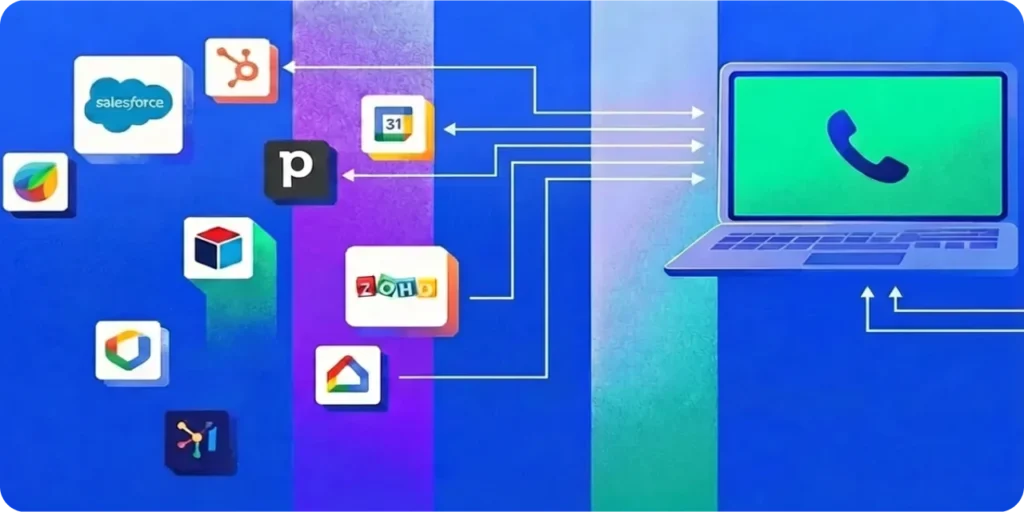
Connecting your CRM and dialer allows information to move as fast as your sales team does. And if your CRM setup is custom, an API connection gives you a direct way to link both systems so updates move in real time.
When Data Moves, Sales Move
Syncing your dialer and CRM ensures that execution moves at the same speed as your planning. Good planning only works if tools are synchronized; well-planned campaigns can stall when day-to-day activity is out of step. You might have up-to-date CRM data but if that doesn’t show up in your dialing system, it can quickly lose value.
When your dialer can read lead status and activity from your CRM, and update those fields after each call, it’s not on your team to bridge the gap. You get more accurate lead lists that support stronger outreach
With integration, if you can set it up so that your calling system can adapt its pace based on live conditions, such as how many agents are available or how often leads answer, your campaigns will keep moving. With dynamic pacing your agents will waste less time on manual tasks and spend more time on calls.
Automatic number correction wipes both invalid and incomplete numbers from calling lists, improving connection rates and letting your agents focus on calls with real potential to convert. The real value of integration is that it keeps your data and activity working together so progress doesn’t depend on constant oversight.
Making Outreach More Relevant
Personalizing outreach at scale requires a direct link between CRM data and dialing behavior. How you reach people matters as much as how often you reach them. When your CRM and dialer are out of sync, outreach can feel random and disorganized. With integration agents can go from call to call, reaching leads based on up-to-date information.
There’s a lot of data that can be coordinated to make outreach more data-driven and strategic. Your CRM can use local calling times to help teams reach people when they’re more likely to answer. Dynamic caller ID draws from regional data so calls appear local, helping the person on the other end feel more comfortable picking up. Tools like call availability detection and voicemail skip help filter out unproductive calls, freeing agents to focus on real connections.
When systems share live data, outreach becomes more deliberate. Agents spend less time chasing missed connections and more time having real conversations.
Seeing the Full Sales Picture
Total visibility comes from merging call activity with CRM deal stages to see the full story of your performance. When your CRM and dialer don’t share data, it’s hard to get a complete view of performance. You can see deal progress in the CRM while call activity is only shown in the calling system, neither telling the full story on its own.
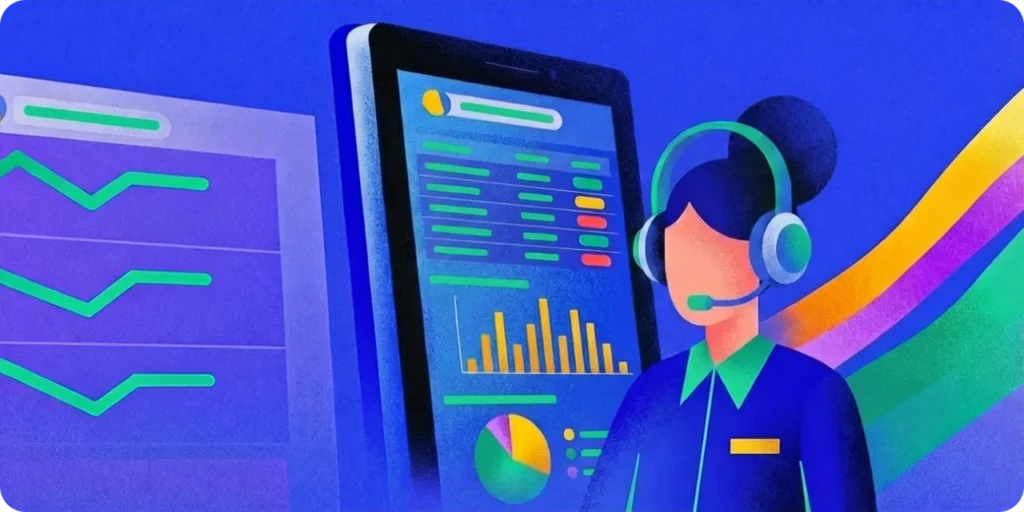
When call outcomes automatically appear in the CRM and campaign dashboards update in real time, results are easier to read. Managers can see which activities contribute to conversions, how agent time is used, and where deals slow down.
Details like time usage and call quality add another layer of insight, helping managers see how daily activity affects campaign performance. Together, these details give managers a fuller view of what’s working and what’s not. Integration connects what happens on calls with what’s recorded in the CRM, giving managers the visibility to make adjustments that keep campaigns on track.
Closing Thoughts
When systems share data, activity builds on itself. Leads move forward, agents are engaged, and managers use what they see to optimize performance. Each part of the process connects to the next, creating continuity from call to conversion.
Syncing these systems ensures that the data recorded in the CRM directly dictates the dialer’s activity. This feedback loop validates the status of every lead, ensuring that no opportunity is overlooked and every part of the pipeline is active.