Bring Your Call Data into the AI Chat – Meet the CommPeak MCP
November 16, 2026
6 min read
What if you could ask your data a question, and get a straight answer?
Most contact centers and messaging teams are brimming with data, but they lack a way to turn it into fast answers. The data sits siloed in dashboards and campaign reports, and getting to an answer usually means digging through tabs or shoulder-tapping the one person who knows how to run the query. And by the time you uncover the insight, it’s often too late to use it.
Everywhere else in our work, we’ve gotten used to AI giving us instant, on-demand answers. Now with CommPeak’s MCP, you have that same direct access to your telecom data.
COMMPEAK MCP
Your AI of choice already knows a lot – probably more than you’d like to admit. However up until now it didn’t have a way to see what’s happening across your calls and campaigns.
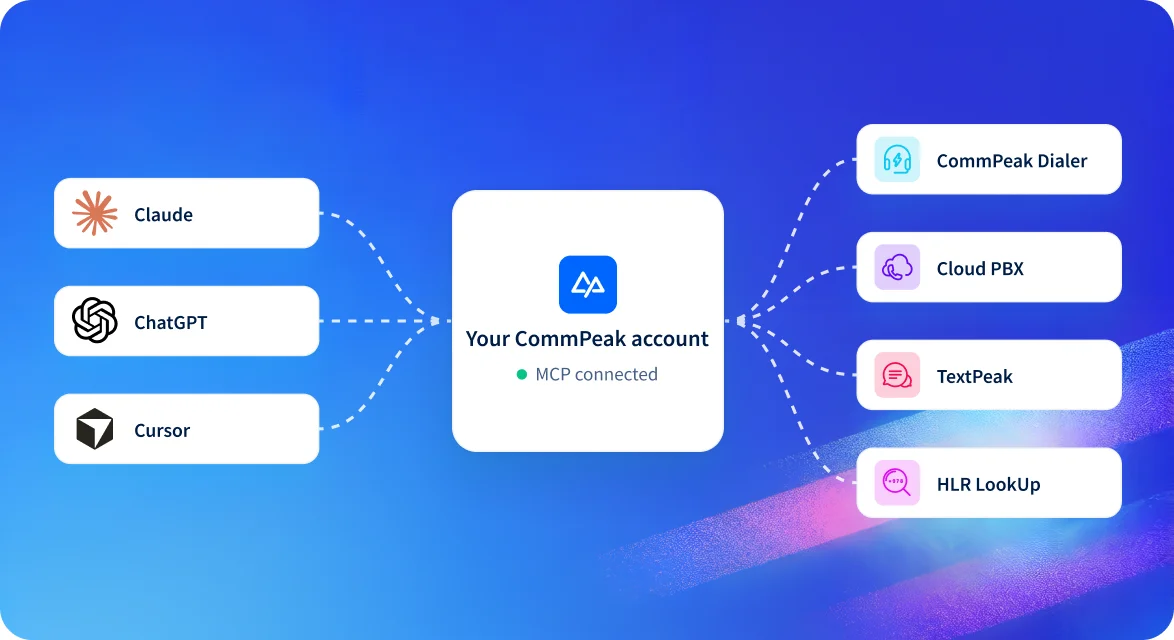
The CommPeak MCP server changes that. By connecting programs like Claude, ChatGPT or Cursor to your CommPeak account, you give your go-to AI tools access to data from CommPeak Dialer, Cloud PBX, TextPeak and HLR LookUp. It’s a no-brainer since CommPeak hosts the server so all you have to do is connect your account.
And because MCP is an open standard, CommPeak works alongside the other tools your AI is connected to – like your CRM, helpdesk or scheduling tool.
BEYOND REPORTING
Reports answer the questions someone planned for. An AI platform connected to CommPeak can tackle the ones that come up along the way.
REAL-WORLD WORKFLOW
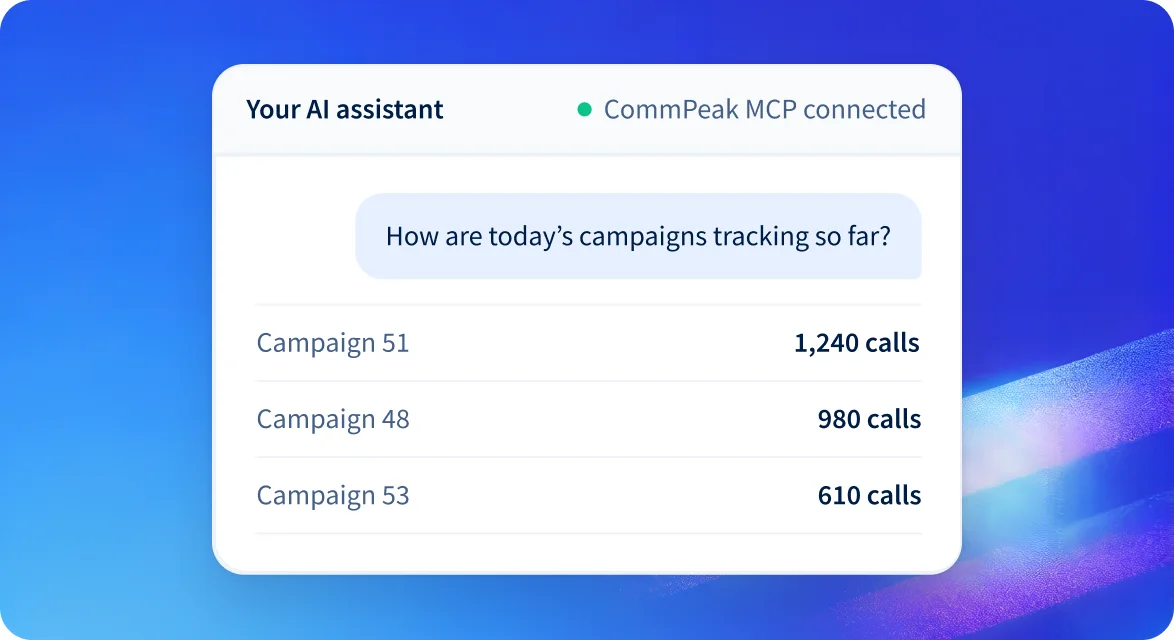
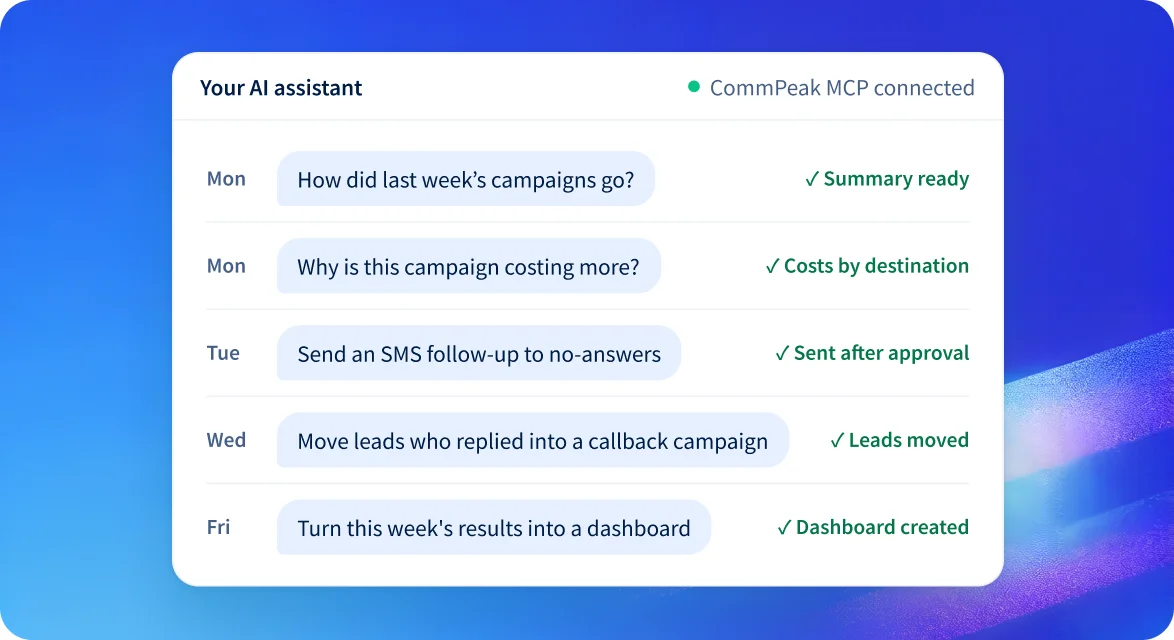
It’s Monday morning, and one of the first things the contact center manager does is open their AI software, which is already connected to CommPeak through an MCP. A simple prompt of “How did last week’s campaigns go?” provides them with a summary of how each campaign performed. For more depth, their AI can build a report that pairs Dialer campaign results with estimated call costs, calculated from call records and current voice rates. Or the manager can have the AI pull daily call reports to see on which days call volume dropped.
One campaign stands out, with spend going up and connected calls going down. The manager asks the AI, “Why is this campaign costing more?” To answer, the AI lines up the campaign’s call records against current voice rates and estimates which destinations are behind the rise. To dig deeper, the manager can have the AI compare those calls with the same period last month. Or, if the problem looks like list quality rather than cost, the manager can have the AI run HLR lookups on the remaining leads to see how many are still reachable.
For the leads who never picked up, the manager might start by having the AI bring up SMS destination rates. Next they could use DNC lookups to confirm the numbers that can be contacted. Or they can go straight to sending a follow-up SMS through TextPeak, or via WhatsApp, approving the message once they’ve reviewed it.
Midweek, the manager returns to the same conversation to see how the follow-up messages are doing. The AI can pick out the replies that ask for a call or show interest, then move those leads to a callback campaign. The manager can also use the AI to measure how many non-answering leads the text follow-up brought back into play.
At week’s end, the manager has the insights to inform decisions, like planning the next campaign and motivating the floor. The AI can pull the campaign’s call and messaging results into a report, then turn it into a shareable interactive dashboard. Or it can send the numbers to the company’s BI tool, where they sit alongside the rest of the business’s data. The manager can also have the AI draft a quick note for agents with the week’s results and which campaigns improved.
DOCUMENTATION
When your telecom data stops living in a silo, it becomes a natural part of your daily toolkit. Instead of staring at a static dashboard and guessing what the numbers mean, you can ask direct questions, pull context from other apps, and find out what’s really behind the data. Since CommPeak hosts the server, all you have to do is connect your account.
To set it up and see what your AI can do, check the documentation: