Product Roundup: What’s New in July
July 2, 2026
5 min read

Welcome to our July product roundup. This month, we focused on simplifying your daily workflows, maximizing platform performance, and giving you greater autonomy over your account management. Read on to see how these updates improve your operations from end to end.
SMARTER OPERATIONS
Our latest Dialer updates bring managers deeper technical visibility, smoother operational workflows, and a more modern, global communication toolkit for agents.
Before: When call quality dropped, managers had to jump between the legacy Agent Devices Connection Status (WebRTC) and Network Stats (WebSockets) pages just to find the root cause. This scattered data made it difficult to identify real-time connection drops or sudden lag spikes across a large team of agents.
The Fix: We consolidated everything into one, intuitive Network Stats Dashboard featuring a simple three-tier layout. Now, you can scan your agent connection health via automated status badges, track side-by-side performance graphs for ping and jitter with automated threshold bands, and use color-coded heatmaps to see the exact cause of an agent’s connection dip. If you want more details we recommend reading this.

Before: For clients using the Leverate CRM, handling specialized verification workflows typically meant relying on our standard integration setup to sync data. While this worked great for general operations, these verification updates had to follow the same lead and agent assignment rules as regular traffic, which often required extra steps to keep the data organized.
The Fix: We built a customized Leverate Verification integration that syncs raw data and state updates directly, outside the traditional assignment engine. This ensures background updates happen without clogging your live lead queues or disrupting existing agent assignments and workflows.
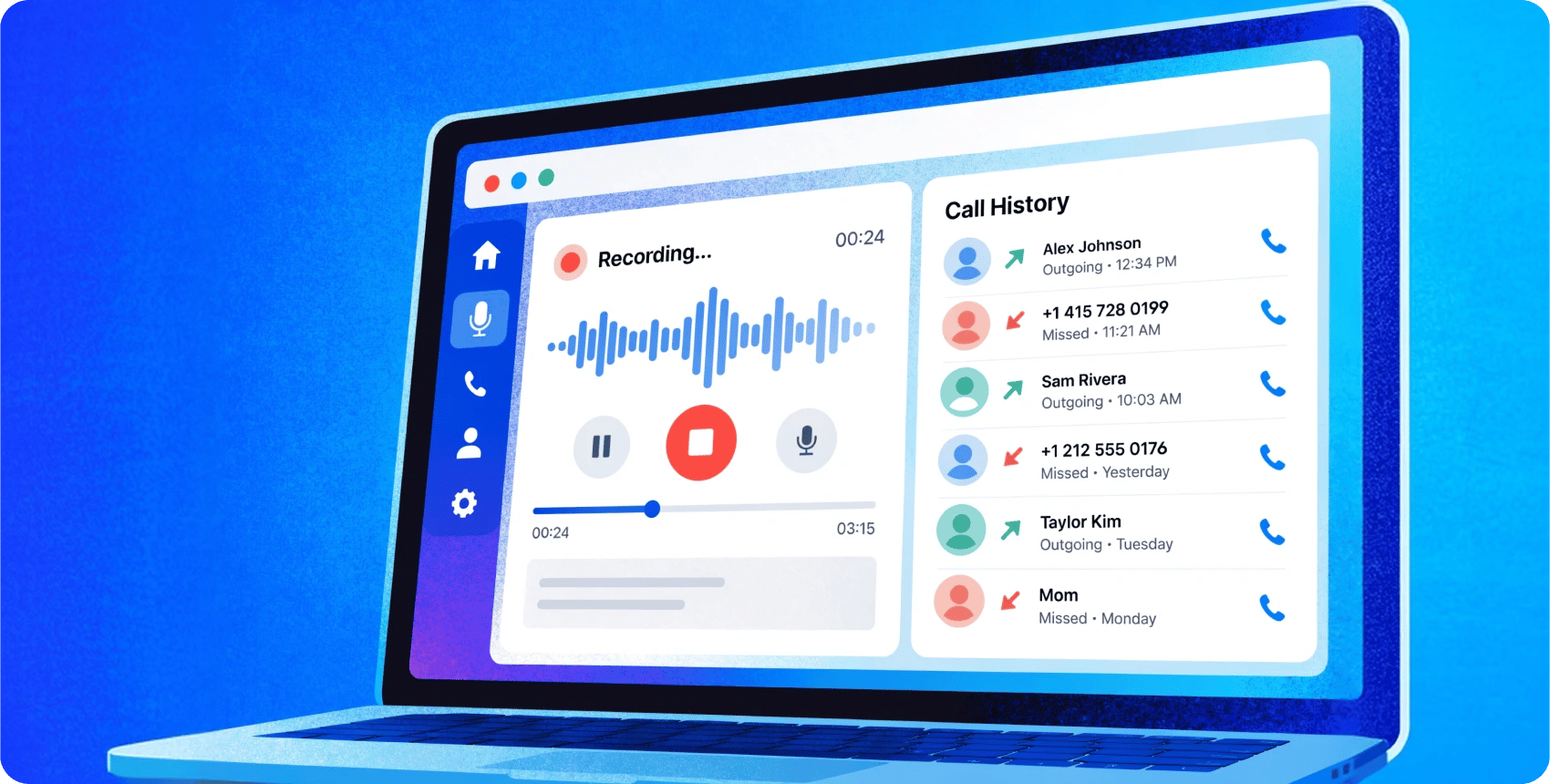
Before: The Dialer connected agents directly to leads as soon as a call went through. Because of this, managers couldn’t automatically play required legal disclosures, compliance warnings, or branded greetings right as the call started.
The Fix: You can now play a short audio announcement (up to 5 seconds) that both the agent and lead hear at the start of the call. The dialer dynamically reads the destination country code to play the correct localized file, helping agents follow local regulations and set the right tone for international calls. Read how to configure it here.

Before: The newly redesigned Agent Workspace was previously in a limited rollout phase and not yet accessible to all users. You can read more about this release here.
The Fix: We have officially rolled out the redesigned Agent Workspace to all tenants platform-wide. The new interface is open to all users, requiring only specific role permissions and an agent opt-in to activate the experience. Learn more about configuring it here.
Before: The platform supported standard message templates and basic text formatting across agent communication screens.
The Fix: Our WhatsApp integration now fully supports the latest Meta message template parameter placeholders. Additionally, native emoji support is now available across all primary channels, the main agent interface, and the workspace, ensuring agents can deliver the modern, human-centric messaging experience customers expect. Read more about managing templates here.

EFFORTLESS OVERSIGHT
This month’s portal updates focus on financial transparency and self-service convenience.
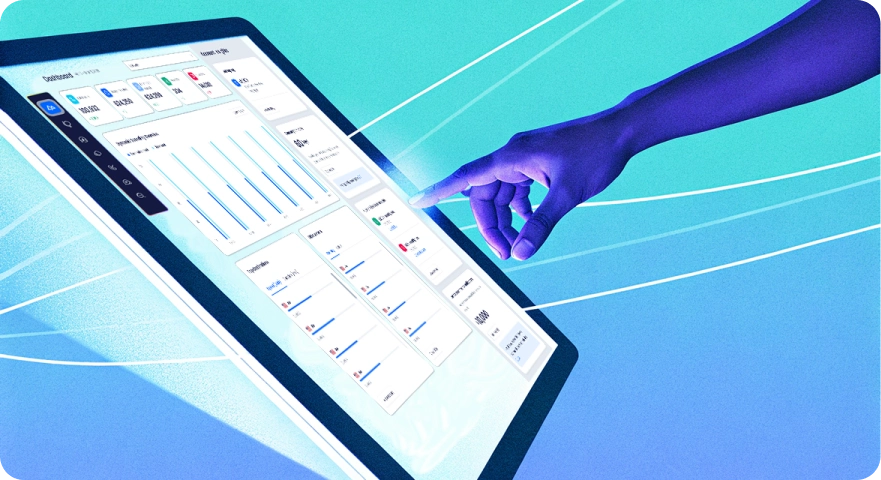
Before: Account metrics, spending data, and billing indicators were distributed across different views, requiring users to navigate multiple areas to track account activity and balances.
The Fix: We redesigned the CommPeak Portal dashboard to combine your key account activity, spending, and billing status onto a single screen. New additions include summary cards, an adjustable date range selector, a dynamic spending overview, and dedicated panels for top destinations, consumption rates, and other account insights.
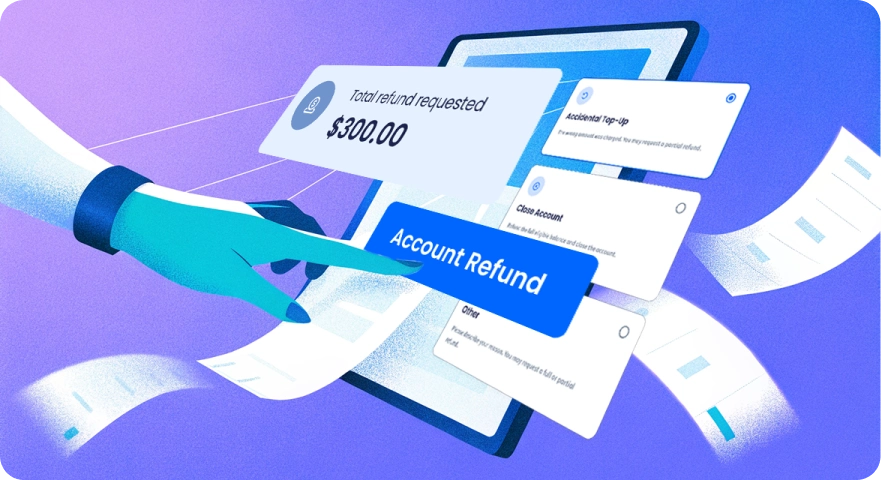
Before: Users who needed to request an account refund had to open a support ticket and wait for the support team to begin the process.
The Fix: A new Refunds page is now live in the CommPeak Portal allowing users to independently initiate account refunds. The form requires selecting a reason and a preferred payment method before submitting the request directly for team review. Complete step-by-step documentation is available here.
These updates are now live and ready to use. If you have questions about the new Leverate integration, want to set up geo-targeted greetings, or need help navigating your upgraded dashboards, please reach out to our support team or check the documentation links above.