Product Updates: What’s New in October
October 5, 2026
5 min read
Welcome to your October product update! We’ve packed this release with fresh features and workflow improvements that are officially live on the platform. Read on to see the newest updates across TextPeak, the Dialer, Softphone, and the CommPeak Portal.
ENGAGEMENT AND INSIGHT
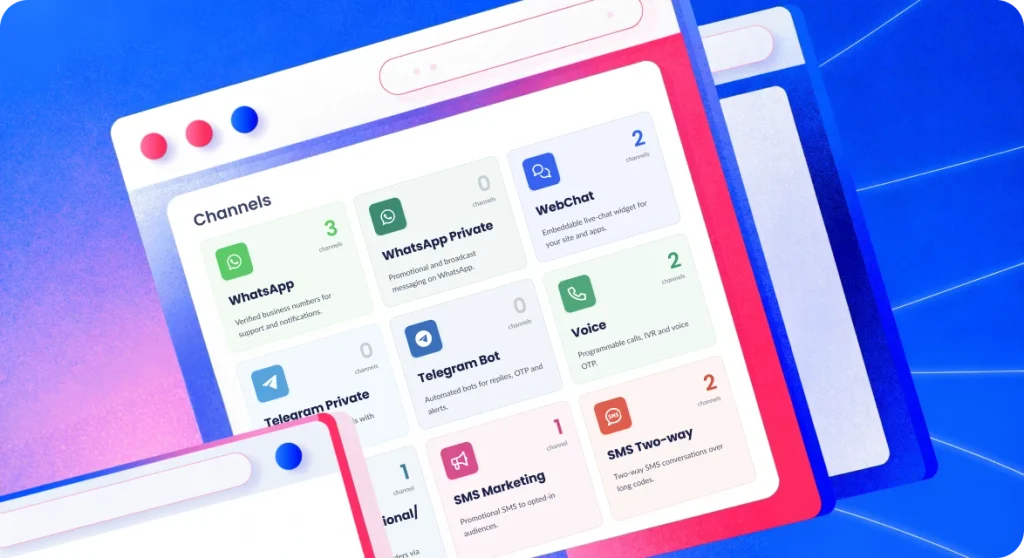
Before: Managing messaging routes meant working through the Streams API page. Getting to a specific channel or finding what channel types were available took a few clicks and a bit of digging.
Now: We renamed Streams API as Channels, and every messaging route is visible on this tab. We’ve also expanded the types of channels on offer, adding email and WebChat, both previously not available on TextPeak. In addition we’ve added Meta sign-in for connecting WhatsApp Business numbers. Now TextPeak’s full messaging reach is consolidated into one tab, for easy access to every channel available. Read more about Channel types. You can also read about adding email channels and adding WebChat channels.
Before: OTP configurations covered code generation, security, channels and failover order in detail, with limited visibility into how those verifications performed once they went out.
Now: OTP traffic has its own reporting layer in TextPeak, where every OTP request is trackable, both as part of the wider delivery picture and as an individual verification you can follow through its failover chain.
A dedicated dashboard for spotting patterns in your OTP traffic. You can now see where delivery is breaking down, how delivery rates vary across countries and channels, and where fraud signals are showing up. Read more about OTP Analytics.
The per-attempt view of your OTP traffic. Here you can see attempts logged in order, allowing you to follow one OTP through the failover chain and check outcomes at each step. Read more about OTP Request Logs.
WORKFLOW GAINS
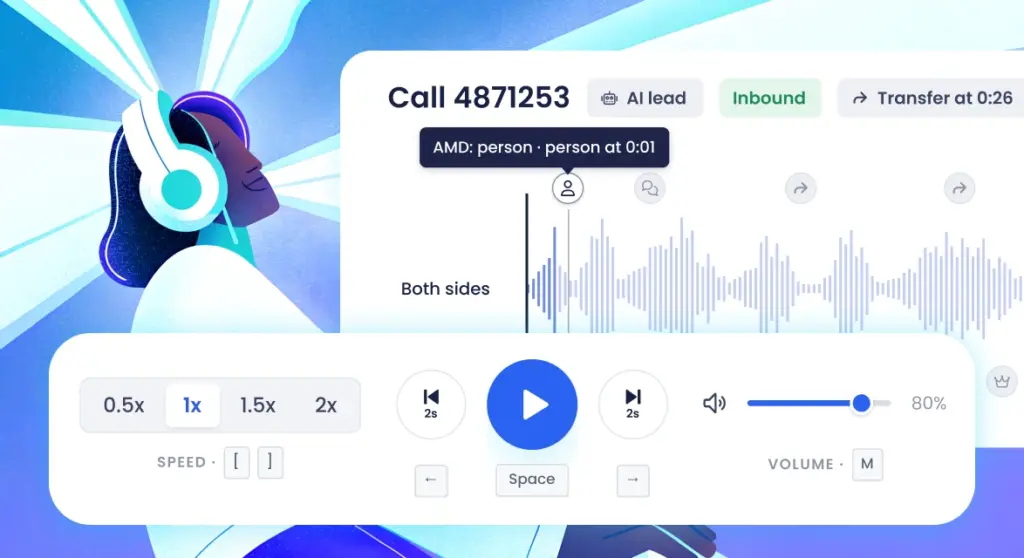
Before: The player offered standard audio controls, but your preferences would reset every time you opened a new recording. If you wanted to listen to encrypted recordings, you would need to download and decrypt them outside the player.
Now: We rebuilt the player from scratch to make call reviews faster. Now you can skim calls visually to jump straight to the important moments in a call. Easily spot where conversations shift, mute the side you don’t need, and save your settings so you can pick up where you left off. Encrypted recordings now decrypt automatically, so you don’t need to leave the player to listen. Additionally, we’ve changed it so that if your browser has trouble decoding a file, the player automatically recovers playback. Read more about the New Recording Player settings.
Before: When agents initiated a call via Click2Call, it would connect through their softphone without showing any details on screen, leaving them to pick up without knowing who or where they were calling.
Now: Click2Call now displays the destination number or region as the call connects. This context gives agents the chance to tailor their opening instead of waiting for the contact to speak first. If phone masking is enabled, agents will only see the region or masked details you’ve set up. Read more about Click2Call integrations.
EVERYDAY FLEXIBILITY
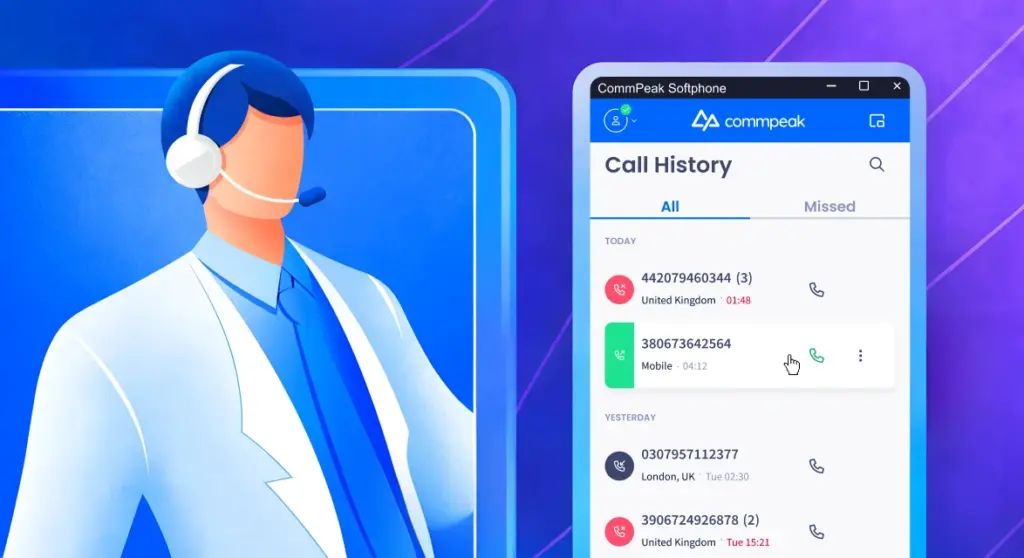
Before: Softphone would retain every call record until it was manually deleted. If another user logged into the same Softphone, they would find the history there unchanged.
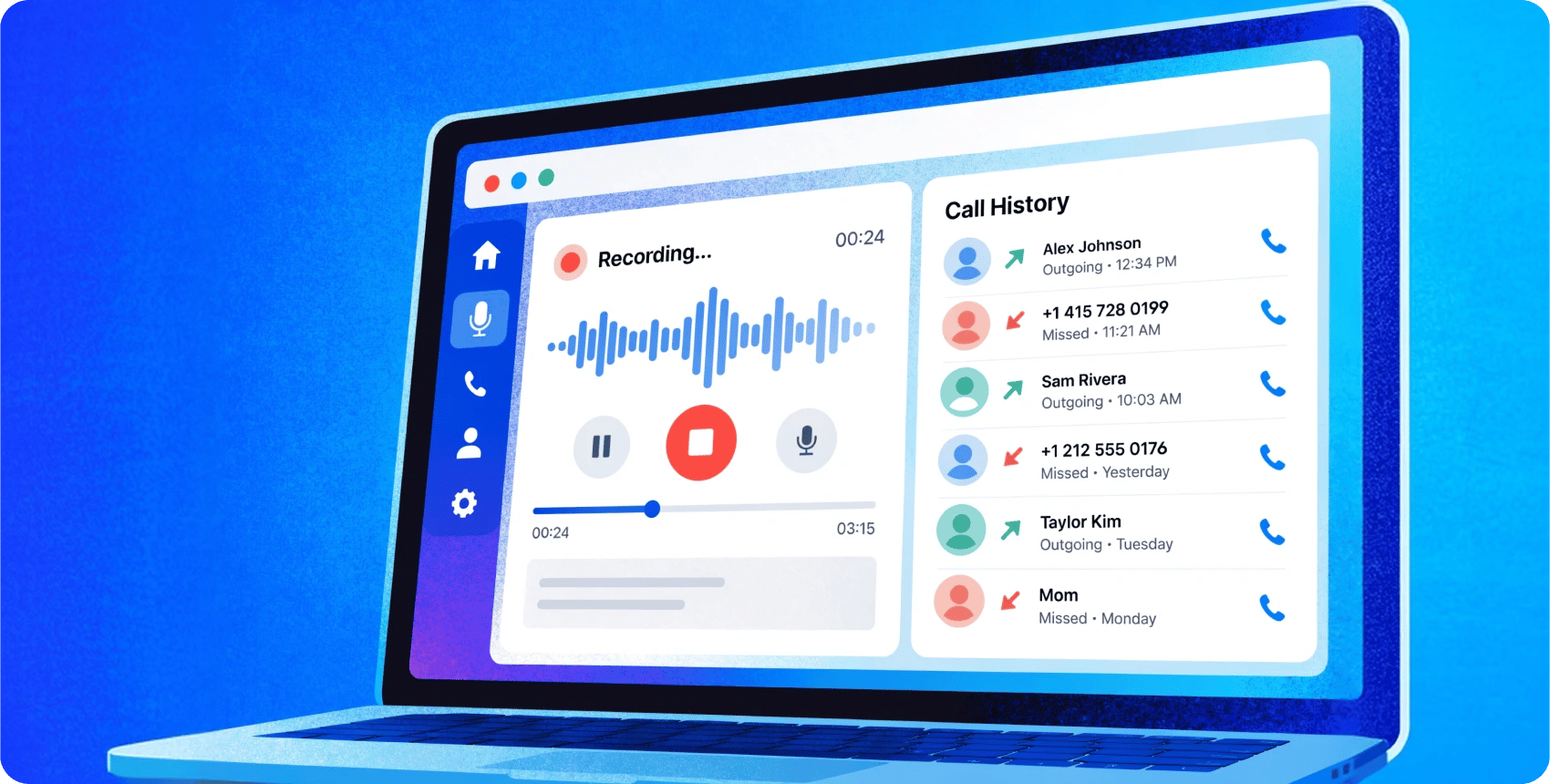
Now: We added a Call History setting that gives you control over how long records are kept. Choices include keep all, 24 hours, 7 days, a month, or don’t save. We’ve made it so that retention is now a choice instead of defaulting to a setting that doesn’t reflect how you use Softphone. Read more about Call History settings.
CLEANER NAVIGATION
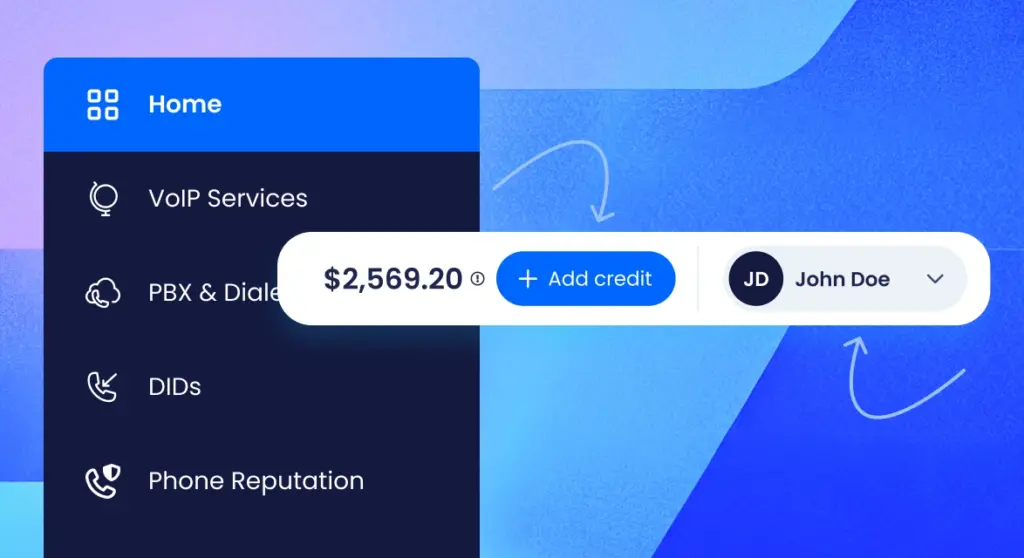
We refreshed the Portal to make everyday navigation easier. Profile settings moved to the top bar, side menu tabs are regrouped under clearer parent categories, and Add Credit is now a dedicated button up top instead of a link tucked into the side menu, so the controls you use most are right where you’d expect. We also rebuilt the Notifications tab, making it easier to manage recipients and see who’s subscribed to what.