Jump to Content
CommPeak Dialer

What is User Role Management?

User Role Management lets you decide the exact access and functionality each team member has within your dialer. CommPeak's granular control options give you authority over how information is accessed across your organization.
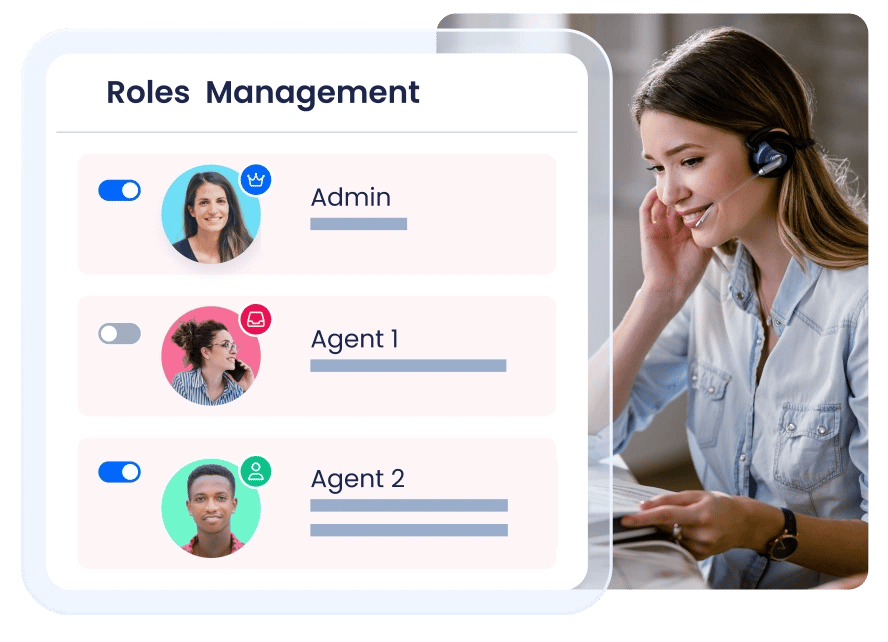

User Role Management
ROLE-BASED ACCESS

Control Who Sees What. Strengthen Security

Protect your business at an enterprise level and minimize vulnerabilities with exact permissions. Define exactly what each user can see and do, ensuring agents and managers only access the tools and data necessary for their daily tasks.

Protect Lead Data

Safeguard your sensitive information. Use role-based controls to prevent unauthorized agents from viewing or exporting lead lists and customer details, ensuring your data stays protected at all times.

Learn more

Create Custom Roles

Adapt to changing contact center demands with customizable roles. Ensure agents only see the data relevant to their specific tasks, using features like masked data fields and customizable agent interfaces that differ from management views.

Learn more

Organize Teams into Desks

Group agents by department, shift, or brand using Desks. This limits visibility to only the relevant queues and campaigns, reducing distractions and helping agents stay focused on their assigned work.

Learn more
Be in touch

Contact Our Sales Team Today

Our team makes sure your onboarding journey is stress-free. Once you create an account, reach out to us via or the contact form. We'll help you decide which solutions are right for your business.

Contact Sales Today

All fields are required.

USER ROLE GUIDANCE

FAQs